
Products
Single and bulk product entry
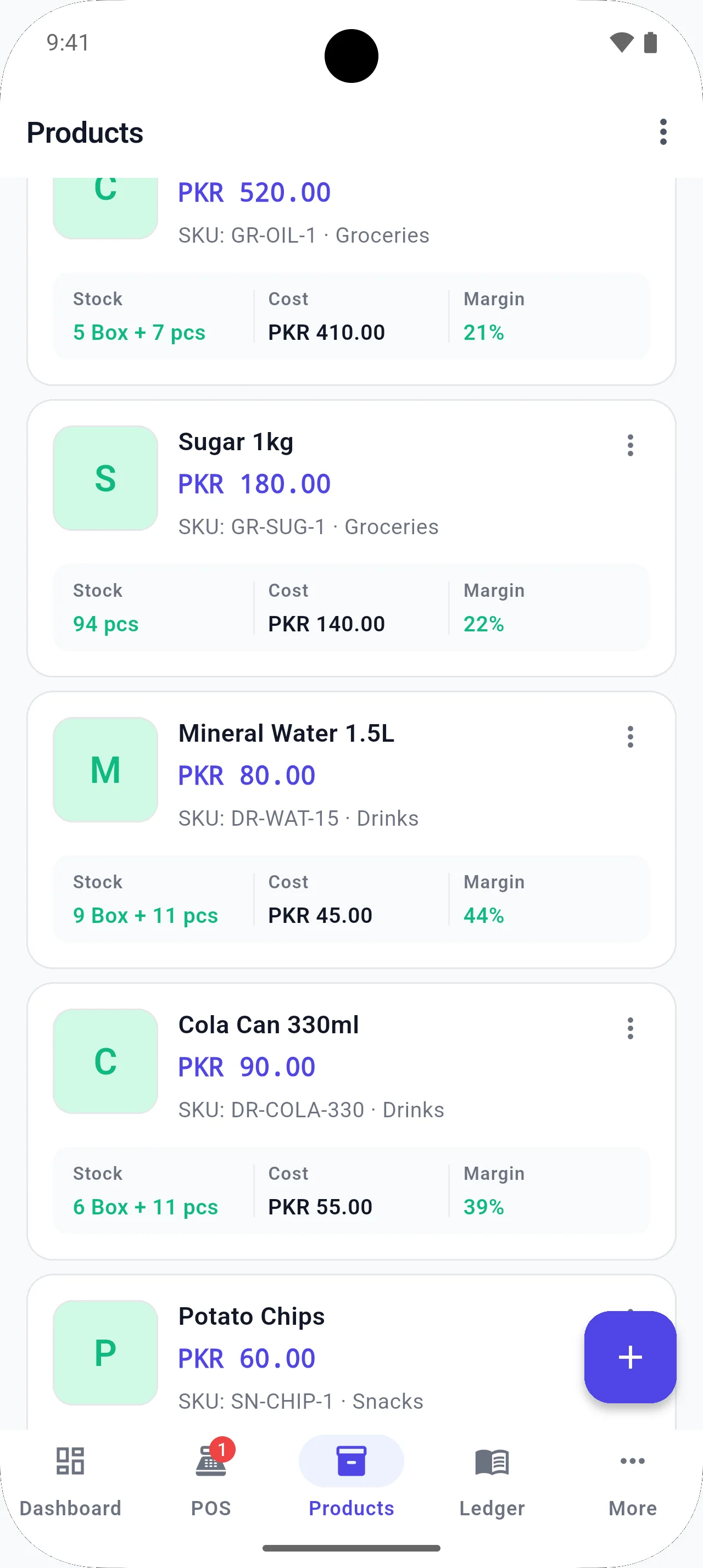
Add one product with its image and details, or load many rows in a spreadsheet-style table. Import and export XLSX when you already have a list.
The problem
A tractor-parts or electronics catalog is too large to tap through one form a hundred times. Shops that already keep Excel lists should not retype them.
How BezPOS helps
BezPOS supports single product entry, bulk product entry in an in-app table, and an XLSX import/export workflow. The table is for fast in-app entry. XLSX is for lists you already maintain outside the app.
What you can do
- Single product entry with images, categories, brands, and units
- Bulk entry in a spreadsheet-style table
- XLSX import and export
- Categories, subcategories, and brands
- Product images
Related features
Related solutions
Related guides
FAQ
Bulk Product Entry questions
Can I add products individually?
Yes. Single product entry is available for day-to-day additions and items that need full details, including images.
Can I add products in bulk?
Yes. BezPOS includes an in-app spreadsheet-style table for bulk product entry. It is not a replacement for XLSX import.
Can I import products from Excel?
Yes. XLSX import and export are supported for product lists you maintain as spreadsheets.
Is the bulk table the same as Excel import?
No. The in-app table is for typing many rows inside BezPOS. XLSX import is for a spreadsheet file you already keep outside the app.
Get started
Run your business with BezPOS.
Put billing, stock, ledgers, and expenses on the device you already use at the counter.