01
Install free from Google Play
Tap the badge, install, and open the app. No account, no sign-up form, no card.
Free on Android · Works offline
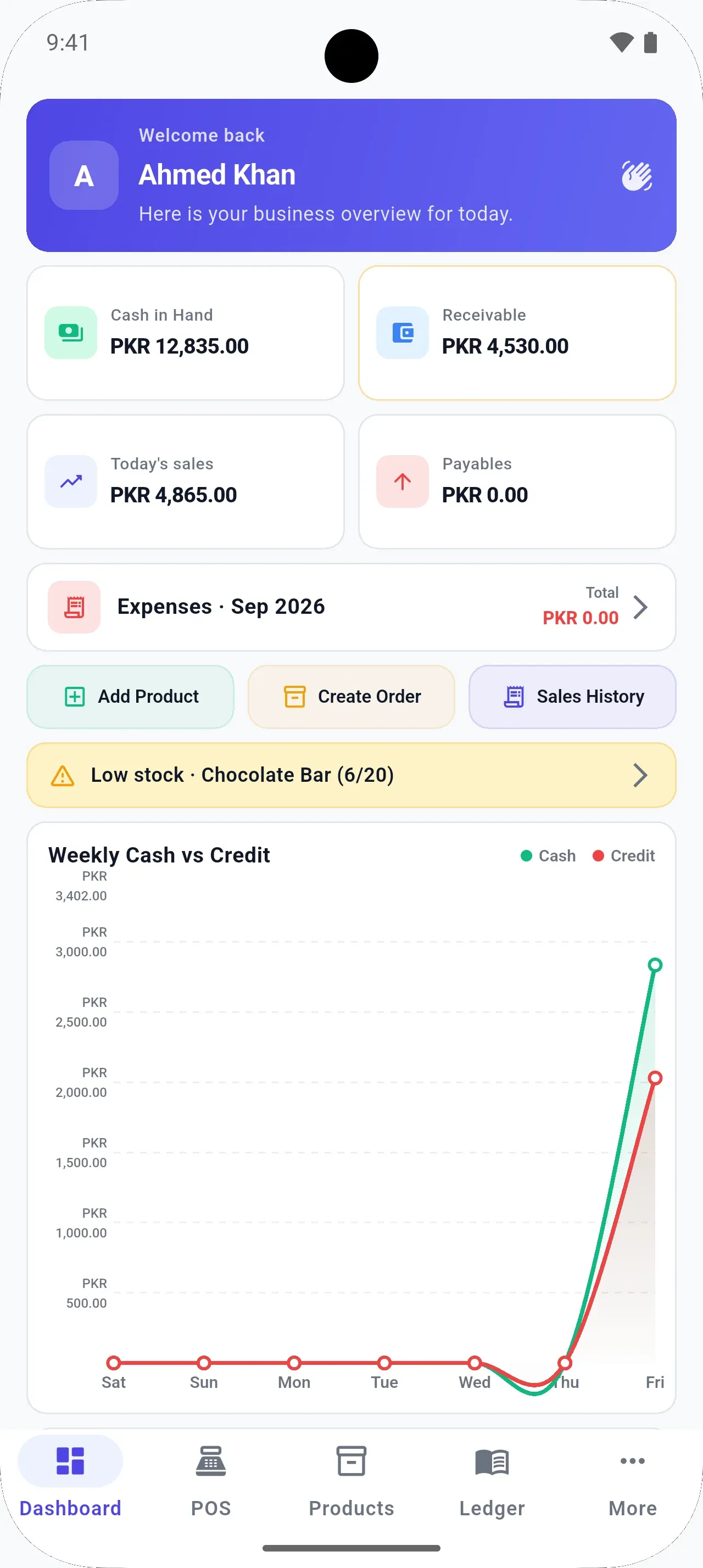
Billing, stock, customer credit, and today’s profit — on the Android phone you already carry. No internet needed to sell. Also on Windows and Mac.
Free download · No account · 5.0 ★ on Google Play
BezPOS is on Android, Windows, and Mac. There is no iPhone app. Contact us
Shop types
Grocery & general store
Bill a busy counter in seconds, even when the Wi-Fi drops. Know which fast movers are about to run out.
Get started
01
Tap the badge, install, and open the app. No account, no sign-up form, no card.
02
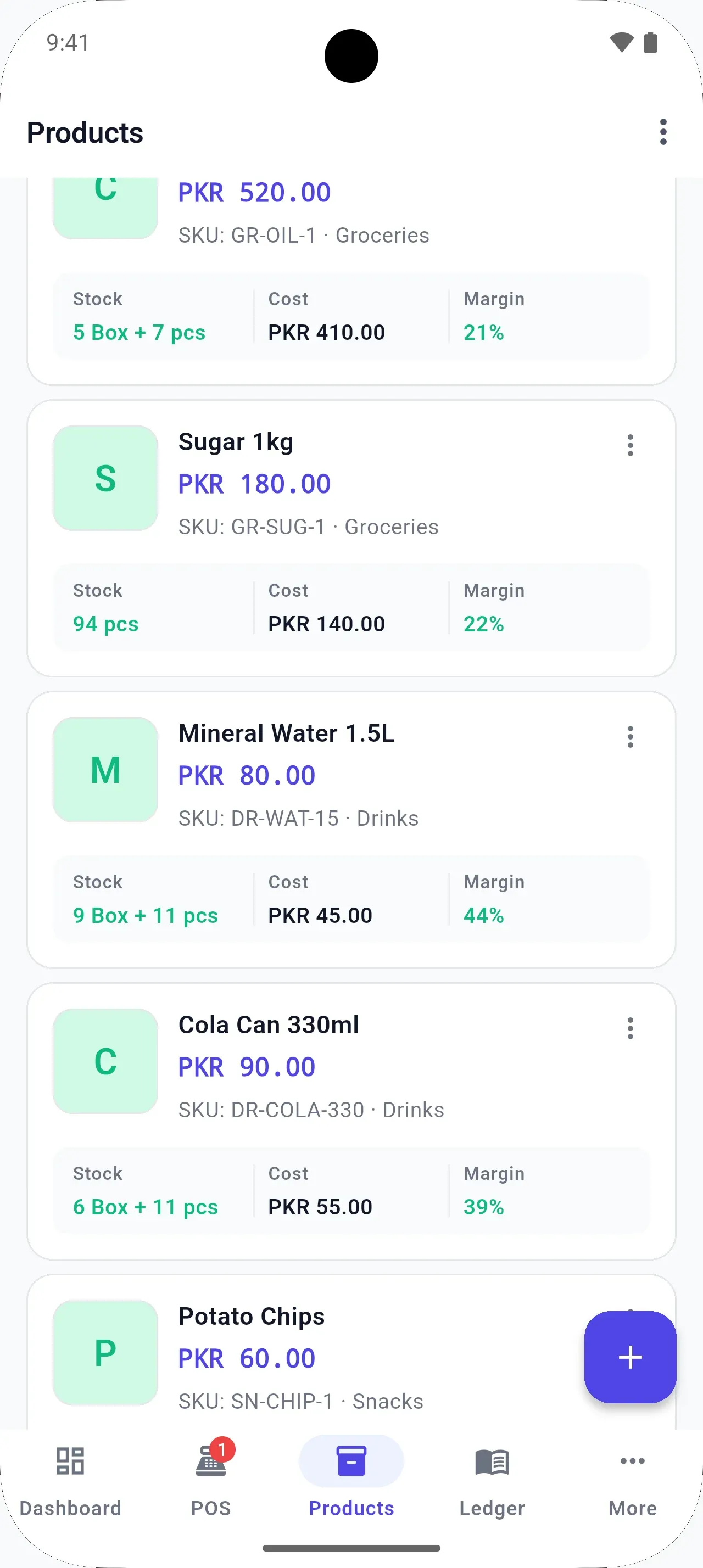
One by one, by scanning a barcode, or many at once with bulk entry. Set a box and a piece price on the same item.
03
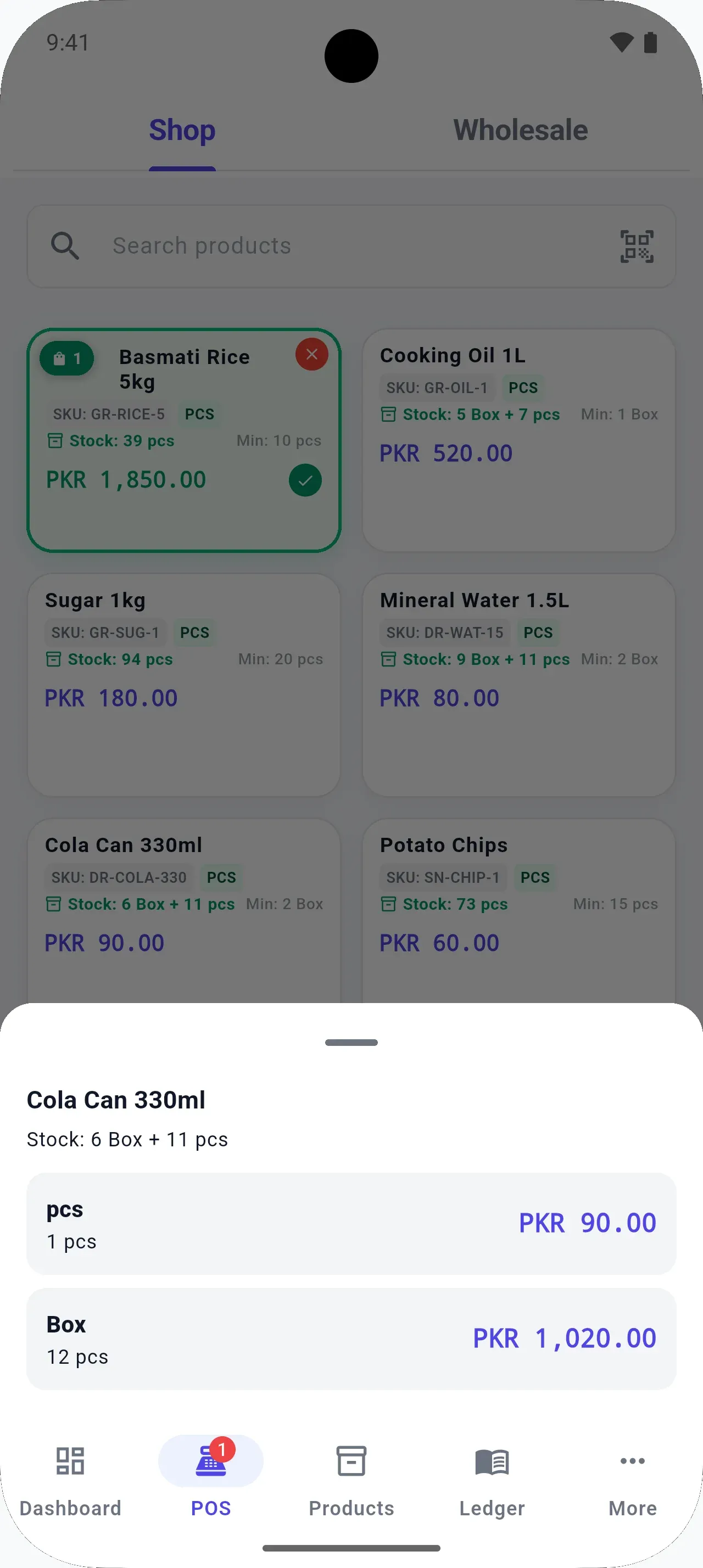
Scan or search, choose the unit, and take cash or credit. Stock and the customer’s balance update with the bill.
Features
Use a scanner, or the phone camera on supported devices.
Several units and prices on one product.
Udhaar and payments next to each customer.
Purchases, payments, and what you owe.
Rent, transport, and bills beside your sales.
Today, this week, or any period.
Cost value, retail value, and potential profit.
Optional. Your Drive, your files.
Your data
Billing, stock, customer and supplier ledgers, expenses, and reports all run on the device.
Protect the app with a PIN, or biometrics where your device supports it.
Your Drive, your files. Back up and restore when you choose — or move your data to another device.
No BezPOS account.
No shop database in our cloud.
Data lives on each device. Drive backup and restore moves it between devices.
Walkthrough
Watched it? Install free
5.0★
Google Play rating
14
Google Play ratings
11
Written reviews
3
Platforms: Android, Windows, Mac
Reviews from Google Play
5.0
Based on 14 ratings on Google Play
BezPOS was previously called BizPOS on Google Play.
Desktop
For a fixed counter with a USB scanner and a receipt printer. Data stays on each device; Drive backup and restore moves it.
FAQ
Yes. BezPOS is free on Android, Windows, and Mac. The Android app shows ads. There is no sign-up and no card.
Contact
Questions about setup, your shop type, or the desktop apps? Leave your WhatsApp or phone number and we’ll get back to you.
Install BezPOS on your Android phone and make your first bill in minutes. No account, no internet needed to sell.
BezPOS is on Android, Windows, and Mac. There is no iPhone app.